BA
(
Cal.
F6D2
)
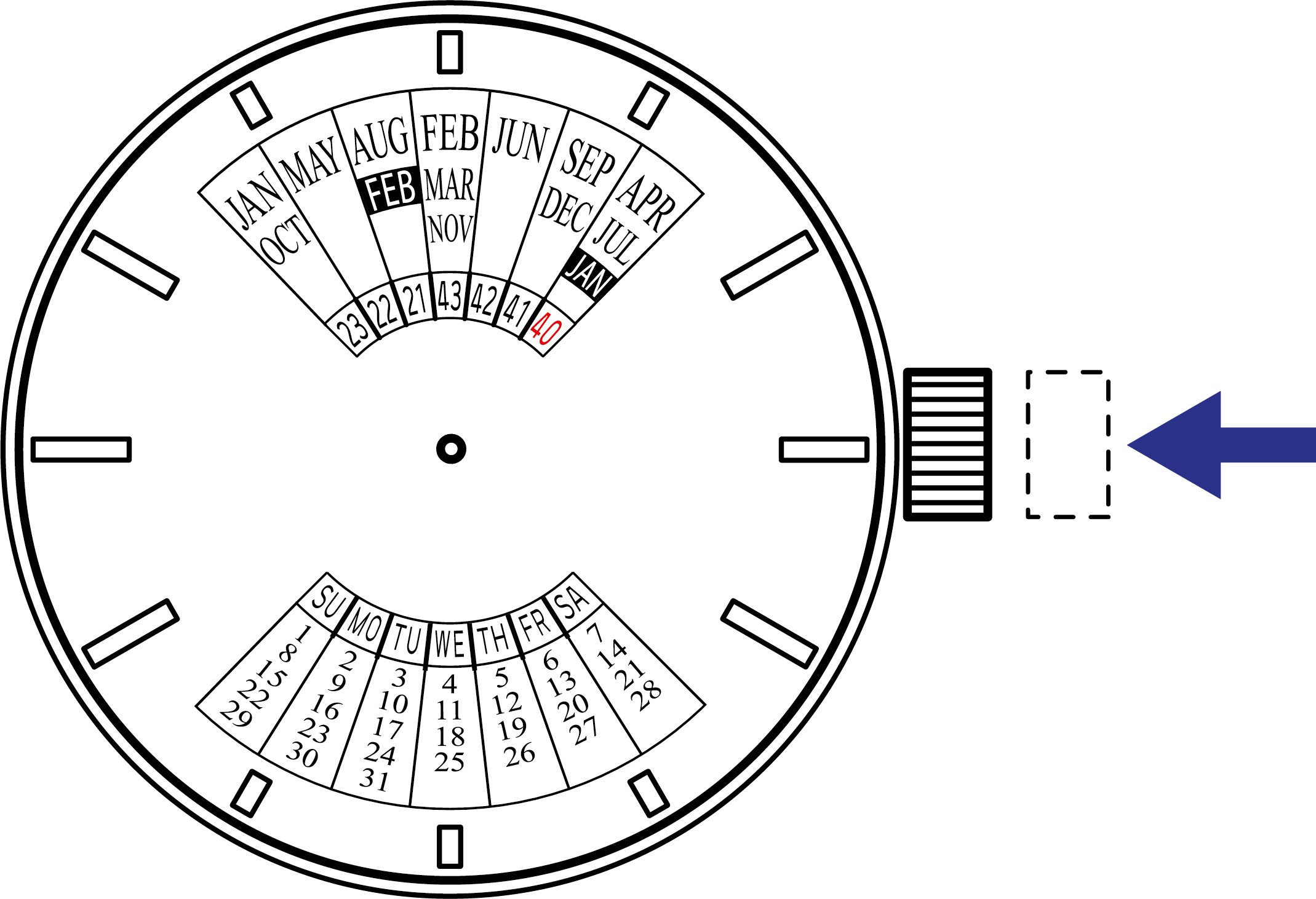
How to Use the Multi-Year Calendar
TIP
- The multi-year calendar is valid for up to 23 years.
- The multi-year calendar disk is updated periodically. It can be updated for a fee at an authorized ORIENT dealer or service centers. Please contact them if you wish to have it updated.
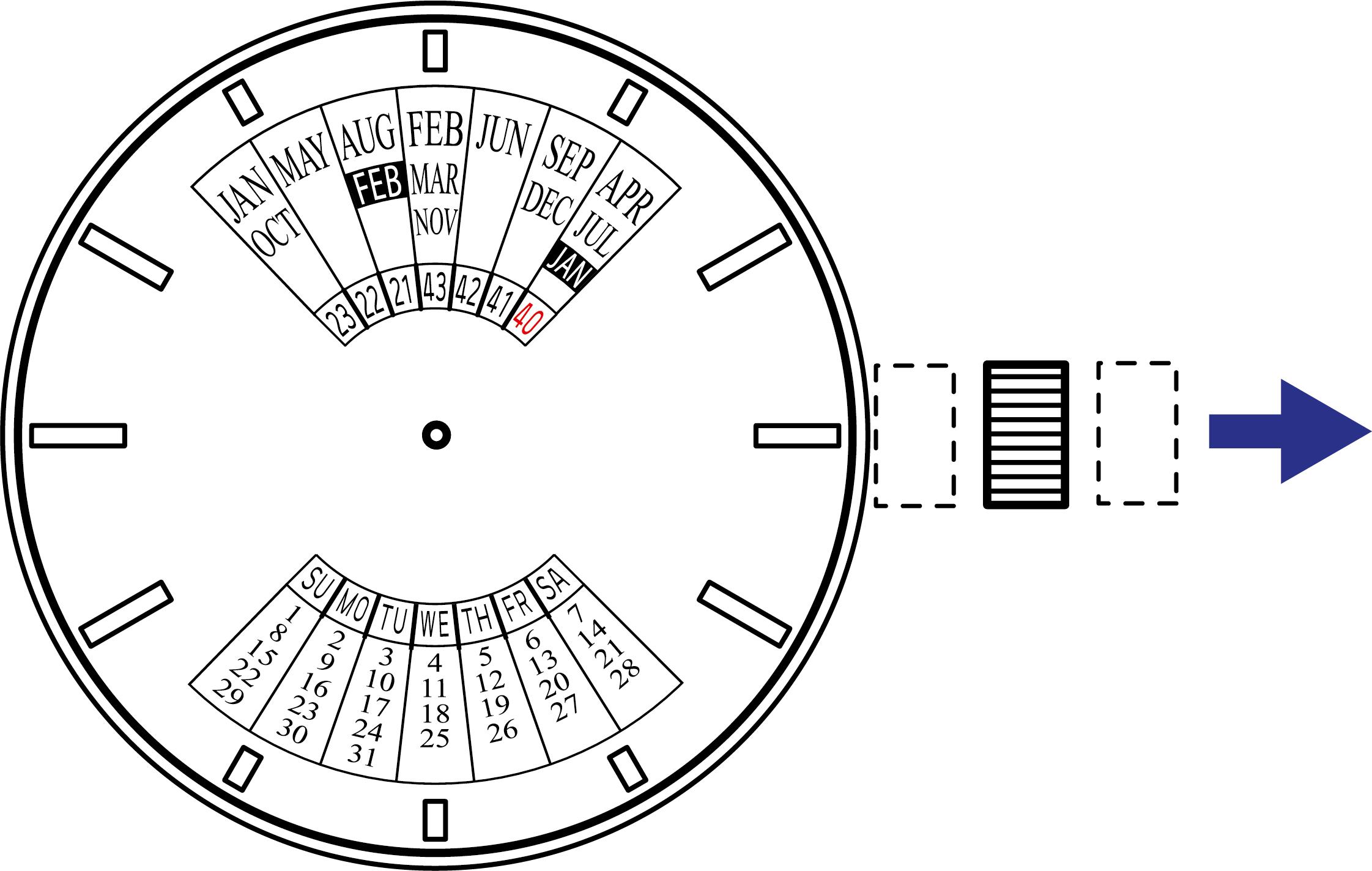
- Pull out the crown to the 1st click position.
TIP
The crown of this watch can be pulled out to two click positions.
- Turn the crown to the right to align the last two digits of the year (★) and the month shown on the multi-year calendar disk.
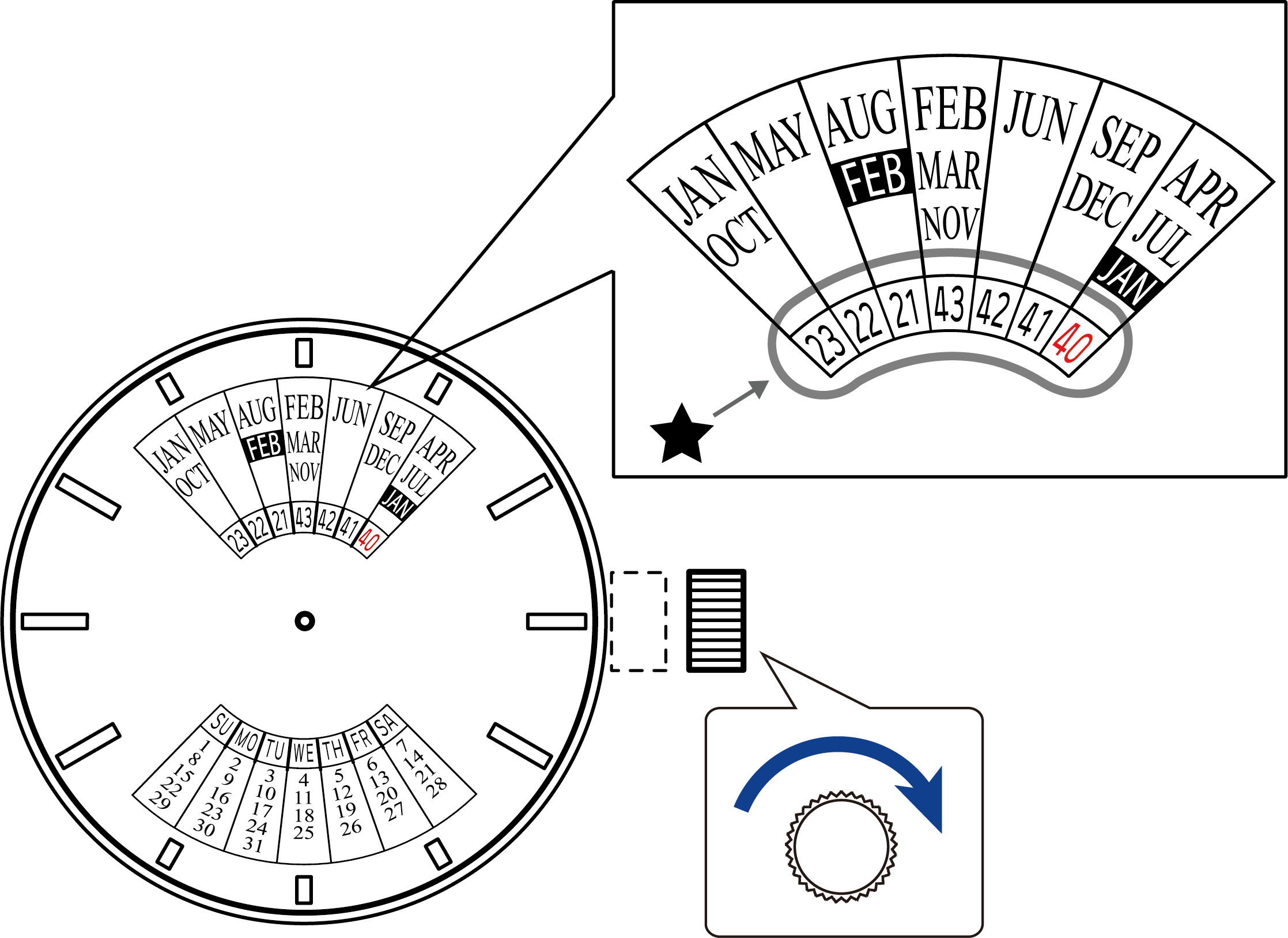
The month display calendar at the 6 o'clock position is set simultaneously.
Month display in leap years
To display January (JAN) or February (FEB) in a leap year, align the last two digits of the corresponding year shown in red with the position of the highlighted [JAN] or [FEB].
- Push the crown in to the normal (0 click) position.